Google Shopping Autocomplete API Documentation
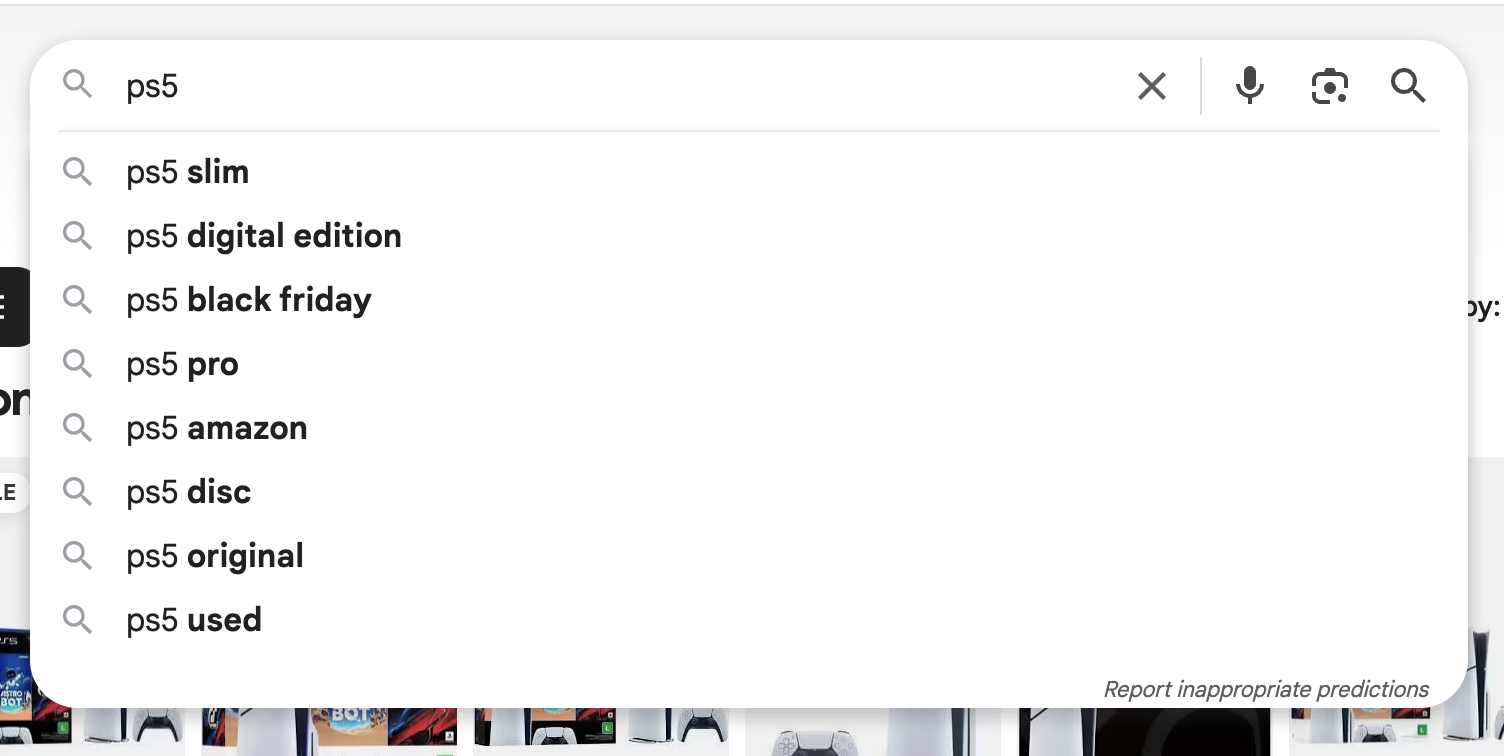
Google Shopping Autocomplete API provides autocomplete suggestions from Google Shopping search.
API Parameters
Search Query
-
- Name
-
q - Required
- Required
- Description
-
Search query that would produce autocomplete suggestions.
Filters
-
- Name
-
cp - Required
- Optional
- Description
-
The
cpparameter is used to determine the cursor position within the search query for autocomplete requests. A0value places the cursor at the start of the query (like|some query), whereas not includingcpsuggests the cursor is at the end of the query (likesome query|). The location of the cursor is important as it affects the suggestions provided by the autocomplete feature of the API.
Localization
-
- Name
-
gl - Required
- Optional
- Description
-
The default parameter
usdefines the country of the search. Check the full list of supported Googleglcountries.
-
- Name
-
hl - Required
- Optional
- Description
-
The default parameter
endefines the interface language of the search. Check the full list of supported Googlehllanguages.
Engine
-
- Name
-
engine - Required
- Required
- Description
-
Parameter defines an engine that will be used to retrieve real-time data. It must be set to
google_shopping_autocomplete.
API key
-
- Name
-
api_key - Required
- Required
- Description
-
The
api_keyauthenticates your requests. Use it as a query parameter (https://www.searchapi.io/api/v1/search?api_key=YOUR_API_KEY) or in the Authorization header (Bearer YOUR_API_KEY).
Zero Data Retention
-
- Name
-
zero_retention - Enterprise Only
- Enterprise Only
- Required
- Optional
- Description
-
Set this parameter to
trueto disable all logging and persistent storage. No request parameters, HTML, or JSON responses are stored or logged. Suitable for high-compliance use cases. Debugging and support may be limited while enabled.
API Examples
Full Response
https://www.searchapi.io/api/v1/search?engine=google_shopping_autocomplete&q=PS5- Python
- Node
- Ruby
- Java
- Go
- PHP
- Bash
- R
- Kotlin
- Swift
- C#
- C
- C++
- requests
import requests

url = "https://www.searchapi.io/api/v1/search"
params = {
  "engine": "google_shopping_autocomplete",
  "q": "PS5"
}

response = requests.get(url, params=params)
print(response.text)
{
  "search_metadata": {
    "id": "search_Gvxbn58j7pJdLFKoDeN0V2da",
    "status": "Success",
    "created_at": "2025-11-28T16:56:15Z",
    "request_time_taken": 1.32,
    "parsing_time_taken": 0.0,
    "total_time_taken": 1.32,
    "request_url": null,
    "html_url": "https://www.searchapi.io/api/v1/searches/search_Gvxbn58j7pJdLFKoDeN0V2da.html",
    "json_url": "https://www.searchapi.io/api/v1/searches/search_Gvxbn58j7pJdLFKoDeN0V2da"
  },
  "search_parameters": {
    "engine": "google_shopping_autocomplete",
    "q": "PS5",
    "hl": "en",
    "gl": "us"
  },
  "suggestions": [
    {
      "value": "ps5"
    },
    {
      "value": "ps5 black friday deals"
    },
    {
      "value": "ps5 controller"
    },
    {
      "value": "ps5 pro"
    },
    {
      "value": "ps5 games"
    },
    {
      "value": "ps5 slim"
    },
    {
      "value": "ps5 black friday"
    },
    {
      "value": "ps5 controller black friday"
    },
    {
      "value": "ps5 sale"
    },
    {
      "value": "ps5 console"
    }
  ]
}